Free guides · no sign-up · no fix, no fee

Your family tree isn't lost. Let's get it back.
A sync that never finishes, a file that won't open, photographs showing as broken links. Tell us what you're seeing and we'll take you straight to the fix.
Results update as you type.
24/7 live chat & phone support
Prefer to talk it through? +1 (805) 971-9867
Most-read guides
The problems we see most
Every guide is free, written in plain English, and shows the exact menu paths. No jargon, and no upsell halfway through.
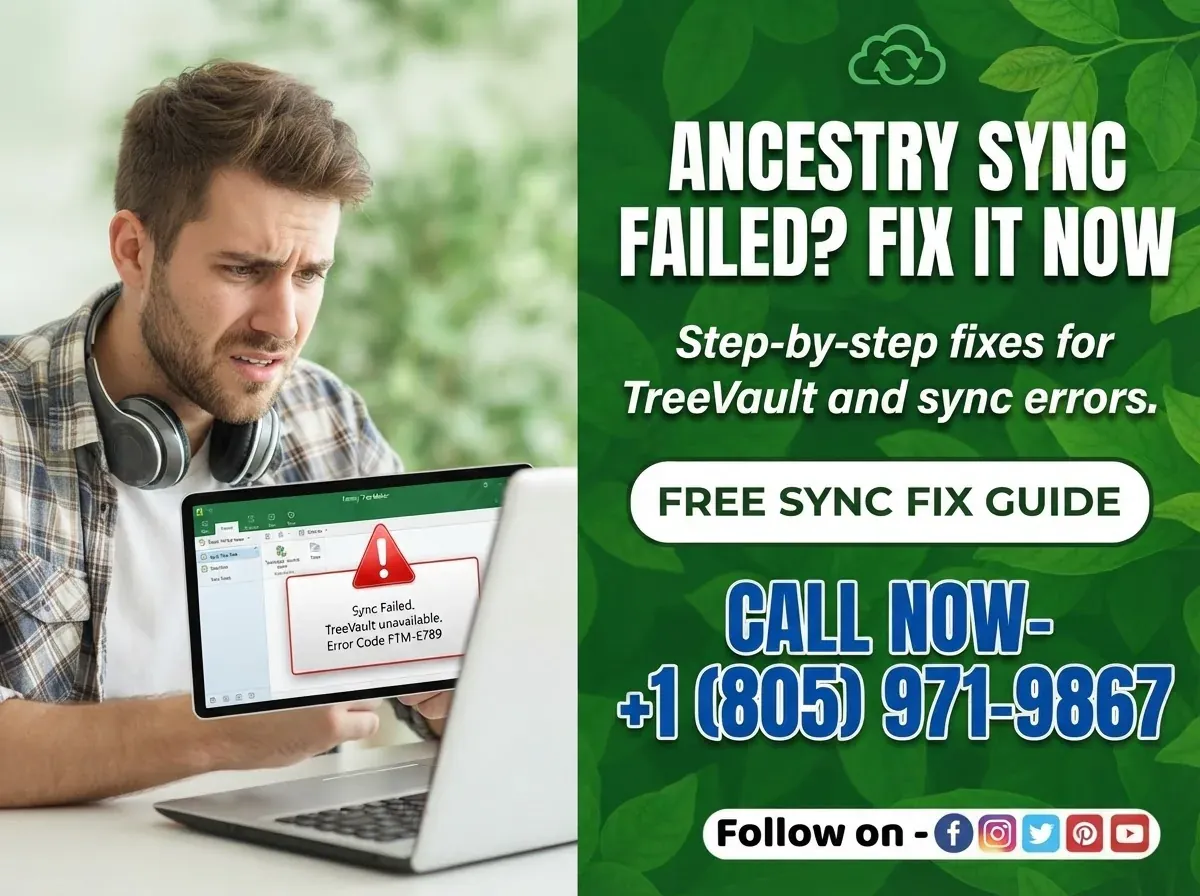
Family Tree Maker won't sync
The sync wheel spins forever, or stops with an error. Usually a stale link between FTM and your Ancestry tree, and usually fixable in minutes.
FTM 2024 · 2019 · 2017 Read the fixMy tree has disappeared
The file opens empty, or isn't in the list any more. In almost every case the data still exists on the drive. You just need to know where to look.
All versions · Mac & Windows Read the fixPhotos show a broken link
Your images are still on the computer, but FTM has lost the path to them, normally after a move, a rename, or a new machine.
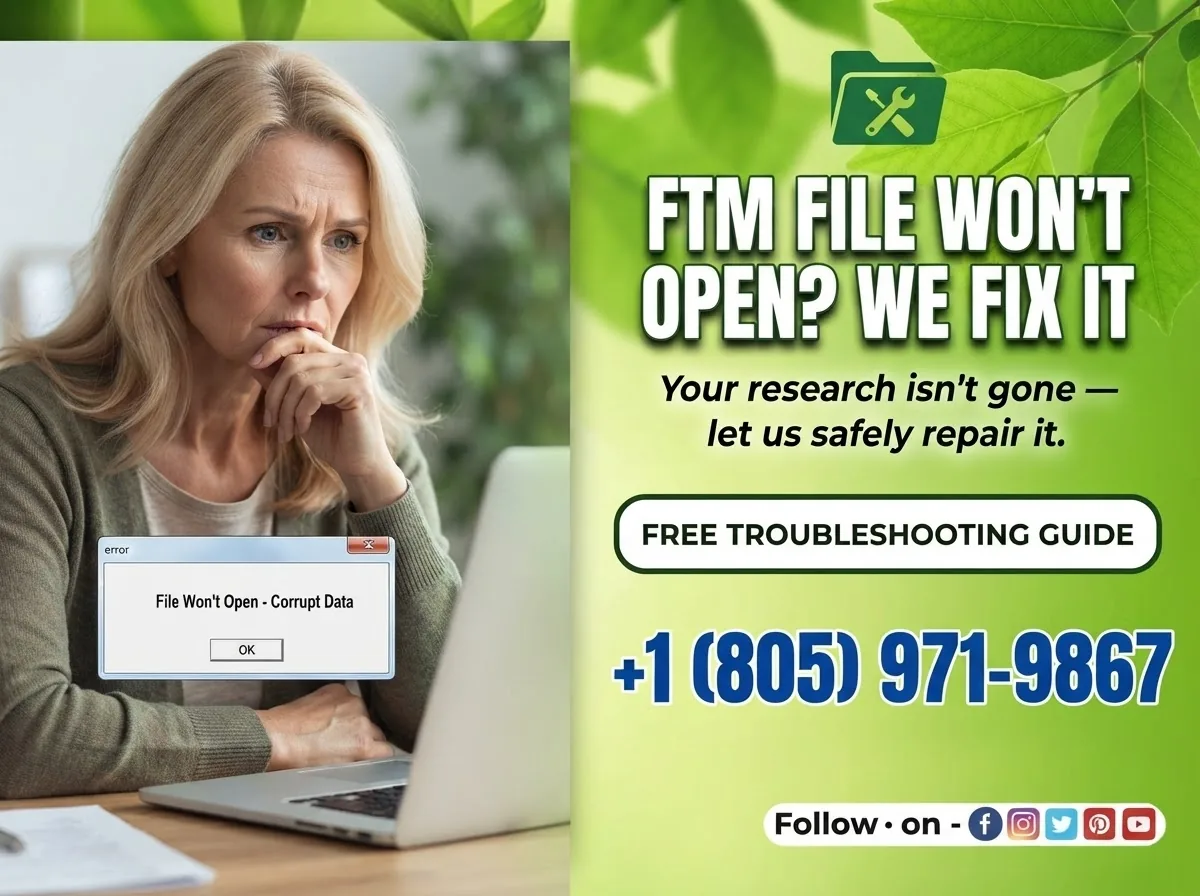
FTM 2024 · 2019 · 2017 Read the fixThe file is damaged or corrupted
FTM reports a problem it can't repair on its own. There's a built-in compact-and-repair routine most people never find, plus safer options if it fails.
All versions Read the fixThe program won't start at all
Nothing happens on launch, or it closes straight away. Most often a failed update or an OS version FTM hasn't caught up with yet.
macOS Sonoma+ · Windows 11 Read the fixThe same person appears twice
Duplicates creep in after every import or sync. Here's how to find them all and merge safely, without losing sources or attached media.
FTM 2024 · 2019 · 2017 Read the fixIf a guide isn't enough
How a remote session works
No software to install, no surprise charges, and you stay in control of your computer the entire time.
Tell us what's wrong
Pick a time that suits you and describe the problem in a sentence or two. If we don't think we can help, we'll say so before you pay anything.
Share your screen
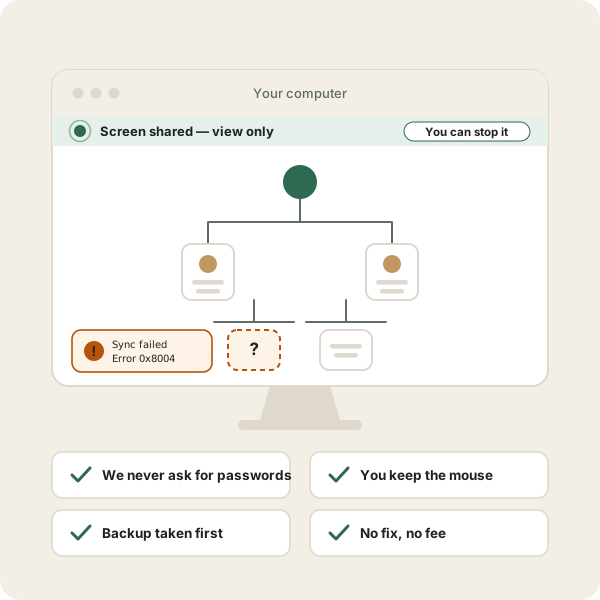
You'll get a link that opens in your browser. You share your screen, we talk you through it. You can stop the session at any moment.
Leave with it working
We fix the problem, show you what caused it, and set up a backup so it doesn't happen again. You get a written summary afterwards.
What we will never do
Third-party software support has a bad reputation, and it was earned. Here is exactly where our limits are, in writing, on every page.
- We will never ask for your Ancestry or email password. Sessions are screen-share only. You type anything confidential yourself, or we look away.
- We will never take control of your computer without you watching. You start the session, and you end it.
- We will never handle your billing or subscription. Anything involving payments for the software or your subscription goes back to the seller directly, and we'll show you where.
- We will never invent urgency. No countdown timers, no "your data is at risk, call now". If your problem can wait, we'll tell you that too.
- We will never charge you to convert your old tree files. A current version opens files from earlier editions and converts them itself while they load. There is an operation approaching researchers offering to do that remotely for a fee, and genealogy forums warn about it regularly. It is worth nothing, so we do not sell it.
Who you'll be talking to
Not a call centre. People who repair these files.
You'll be talking to someone who has opened a damaged tree file before and knows what they're looking at. Not a script, not a queue, and not somebody reading the same help article back to you that you've already found.
We understand why this matters, not just how it breaks. A tree file isn't a document. It's thirty years of letters, record offices and afternoons that can't be repeated. That's why every session starts by securing a copy before anyone changes anything.
Judge us on the free guides. Most sites tell you to run Compact File once. It needs repeating until the file stops changing, or damage stays behind. FTM 2024 users report the figure reading zero throughout, so you judge by how the tree behaves rather than by the number. That detail is why people conclude the tool doesn't work. It is the level we write at, and it is free to read before you spend anything.
Before you book
Questions people ask first
Are you Family Tree Maker's official support?
No, and we'll never suggest otherwise. Family Tree Maker is published by the publisher, and they run their own free support centre. For anything to do with your licence, your purchase, or your TreeVault subscription, go to them directly.
We're an independent service for the times when you've already read the official article and you're still stuck, or when you'd simply rather have someone walk you through it.
Do I have to pay to read the guides?
No. Every troubleshooting guide on this site is free and always will be. Most people who arrive here fix their problem themselves and never contact us. That's the point.
Will you need my Ancestry password?
Never. Sessions are screen-share only, which means we can see your screen but cannot type or click on your machine. If a password needs entering, you type it, and we'll ask you to blank the screen or look away while you do.
Is my family tree data safe?
We don't take copies of your tree unless a file repair genuinely requires it, and if it does we'll ask first and delete it afterwards. The first thing we do in almost every session is make sure you have a working backup, before touching anything else.
What if you can't fix it?
Then you don't pay. Some problems are genuinely vendor-side, such as a bug in a specific build or a server-side sync fault, and no amount of troubleshooting on your machine will solve them. When that's the case we'll tell you plainly, point you to the right official channel, and refund the session.
Which versions do you support?
Family Tree Maker 2024, 2019, 2017 and 2014, on both Windows and Mac. We also work with much older files, including original Broderbund .ftw trees, where the job is usually getting decades-old data safely into a modern format.
Still stuck?
Tell us what's happening and we'll tell you honestly whether we can help, before you pay anything.